

Real estate is very competitive today. If you reply late to a lead, forget to follow up or post poor listing photos, another agent will get that deal instead. It happens every day.
The best agents are not just working longer hours. They are using smart tools to save time and stay organized. These tools help them reply faster, write better listing descriptions, improve property photos and keep track of every lead.
Think about this:
What if you could reply to every new lead right away?
What if you could write a full listing description in just a few minutes?
What if you could make empty rooms look beautiful without spending thousands on staging?
That is what the tools in this list can help you do.
In this guide, you will find 10 powerful tools that real estate agents are using in 2026 to save time, look more professional and close more deals. Whether you work alone or with a team, these tools can help you grow your business faster.
Let’s take a look.
What is Real Estate AI?
Real estate AI means using smart computer tools to help with buying, selling and managing houses and land. These tools look at lots of info to make jobs faster and easier for everyone involved.
What It Means
Smart computer tools in real estate check huge piles of facts like past home sales, neighborhood changes, people’s info and home details. They guess what might happen next and spot things like a home of true value. For example, they can study photos to see if a house needs fixes.
How It is Used
- Home Value Checks: The tools mix info from maps, safety stats and more to guess a home of price right now, better than old ways.
- Future Guesses: They predict what home prices or buyer needs will be by looking at money trends and what people want.
- Finding Buyers: Tools suggest homes that match what people like; chat helpers answer questions any time.
- Money Choices: Sites like RealAI quickly show if buying a property is a smart money move.
Why It Helps
These tools save time by doing boring jobs, lower costs, and give clear facts for home sellers, buyers and money experts. They help find cheap homes or check if listings follow rules.
Here is the Updated list of the 10 AI Tools for Real Estate Agents to Boost Sales 2026
- CINC (Commissions Inc)
- Top Producer
- Saleswise
- REimagineHome
- Wise Agent
- Deal Machine’s Alma
- Sidekick
- RealGrader
- Write.homes
- Styldod
Quick Comparison
| Tool | Best For | What It Helps With |
|---|---|---|
| CINC | Teams with many leads | Lead follow-up + CRM system |
| Top Producer | CRM-focused agents | Contacts + reminders + follow-up |
| Saleswise | Marketing writing | Scripts, posts, emails, listing copy |
| REimagineHome | Listing visuals | Room redesign ideas from photos |
| Wise Agent | Solo agents | Simple CRM + follow-ups |
| Deal Machine’s Alma | Investors | Off-market leads + deal help |
| Sidekick | Market insights | Property + market answers |
| RealGrader | Online presence | Improve your name online |
| Write.homes | Listing writing | Listing descriptions + captions |
| Styldod | Virtual staging | Staging + photo improvements |
1. CINC (Commissions Inc) — Lead System for Teams
Launched: 2011
Website: www.cincpro.com
CEO: Alvaro Erize
Language: English
Country: United States
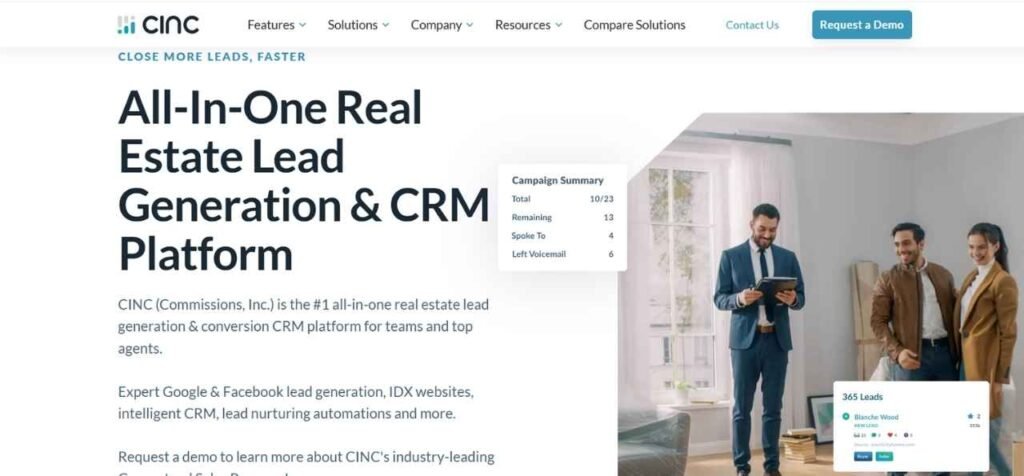
Best For: Teams and agents who get lots of leads
What It Does: Helps you catch leads, reply fast and track every lead in one system.
Key Features
- Sends leads to the right agent automatically
- Reminds you to follow up
- Tracks each lead step-by-step
- Shows reports (calls, texts, appointments)
Real Estate Use Cases
- Reply to new leads right away
- Make sure no lead is missed
- Track who is working each lead
Pros
- Great for teams
- Strong tracking and reporting
Cons
- Takes time to set up
- Usually costs more than basic CRMs
Quick Tip for Agents
Set auto-replies so leads get a message within 1 minute.
2. Top Producer — CRM for Daily Follow-Up
Launched: 1982
Website: www.topproducer.com
CEO: Scott Little
Language: English
Country: United States
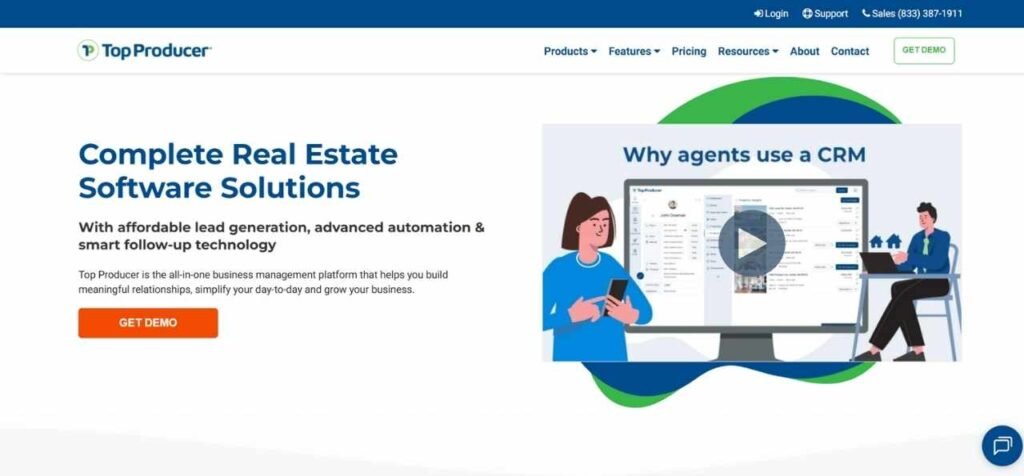
Best For: Agents who want a solid CRM for daily work
What It Does: Keeps your contacts, reminders, notes, and deals organized.
Key Features
- Contact management
- Follow-up reminders
- Deal pipeline tracking
- Notes and history for each client
Real Estate Use Cases
- Keep buyers and sellers organized
- Set reminders so you don’t forget follow-ups
- Track deals from start to closing
Pros
- Strong CRM system
- Good for long-term client follow-up
Cons
- Can feel heavy for new agents
- Some features depend on setup and plan
Quick Tip for Agents
Make 3 groups: buyers, sellers, past clients and follow up differently with each.
3. Saleswise — Fast Writing for Agents
Launched: 2014
Website: www.saleswise.ai
CEO: Gregg Freishtat
Language: English
Country: United States
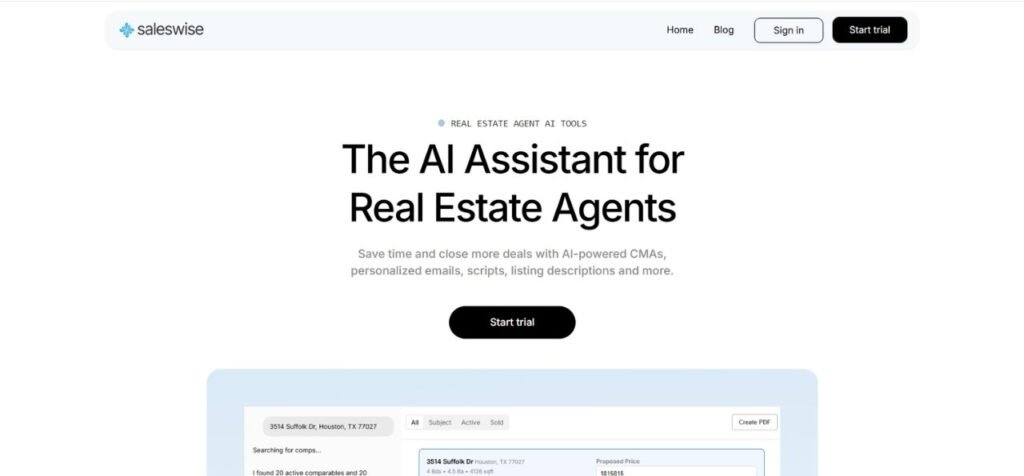
Best For: Agents who want faster writing for marketing and follow-up
What It Does: Helps you write listing text, follow-up messages, emails, and social posts faster.
Key Features
- Writes listing descriptions
- Creates scripts for calls and texts
- Helps with social captions
- Gives different versions of the same text
Real Estate Use Cases
- Write “Just Listed” posts quickly
- Create open house follow-up messages
- Make listing descriptions faster
Pros
- Saves time on writing
- Easy to use for daily marketing
Cons
- You must check facts yourself
- Company details are not fully shown publicly
Quick Tip for Agents
Make templates for: new lead, open house, price drop, cold lead.
4. REimagineHome — Room Makeover Ideas From Photos
Launched: 2023
Website: www.reimaginehome.ai
CEO: Shital Gohil
Language: English
Country: United States
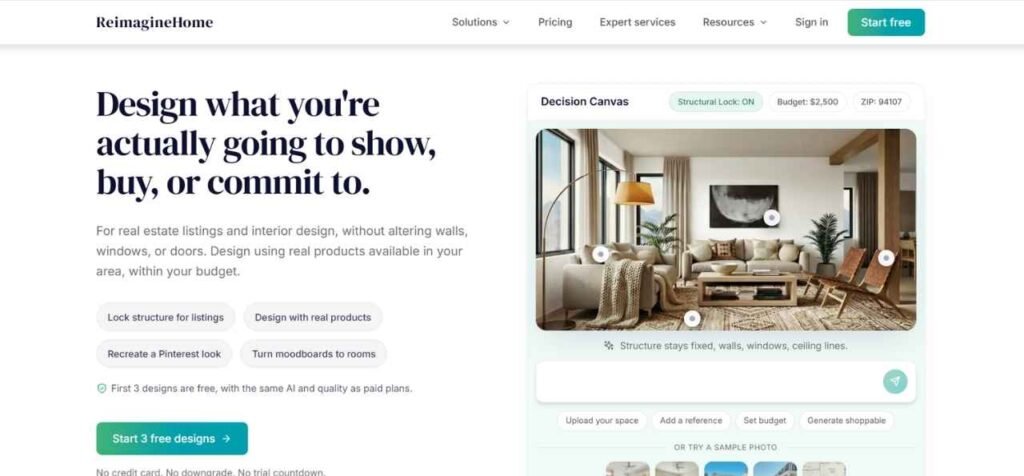
Best For: Agents who want better listing photos without real staging
What It Does: Shows new room styles using the photo you upload (like modern, luxury, minimal).
Key Features
- Makes room design ideas from photos
- Gives multiple style options
- Quick results for marketing
Real Estate Use Cases
- Show buyers “how it can look”
- Improve listing images for online views
- Help sellers understand simple upgrades
Pros
- Great for attention online
- Fast and easy visuals
Cons
- Needs good photos to look real
- Don’t overuse, or it can look fake
Quick Tip for Agents
Use it for 1–2 key photos only, not the whole gallery.
5. Wise Agent — Simple CRM That’s Easy
Launched: 2002
Website: www.wiseagent.com
CEO: Brandon Wise
Language: English
Country: United States
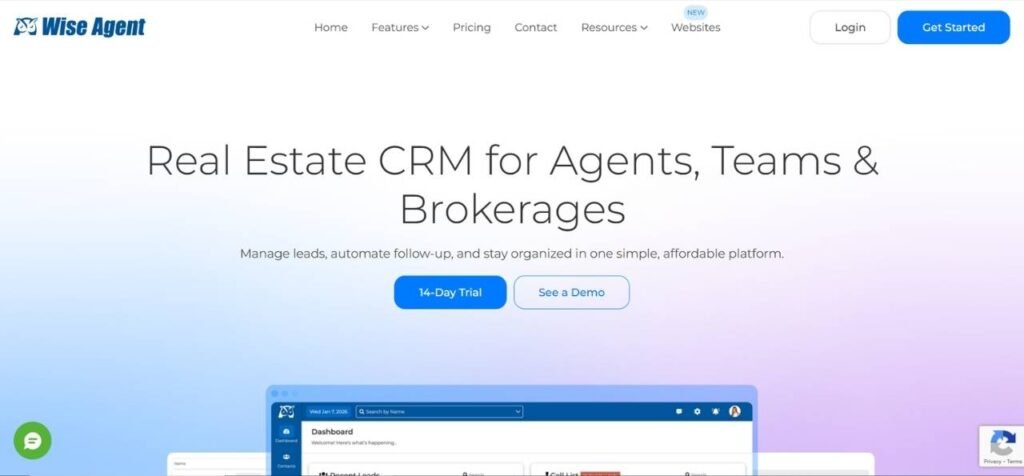
Best For: Solo agents who want a simple CRM
What It Does: Helps you store contacts, set reminders, and run follow-ups.
Key Features
- Contact + deal tracking
- Drip email follow-ups
- Task reminders
- Simple daily use
Real Estate Use Cases
- Keep leads warm with follow-up plans
- Track deals without confusion
- Stay consistent with past clients
Pros
- Easy and practical
- Good value for solo agents
Cons
- Not the most “fancy” tool
- Works best if you use it daily
Quick Tip for Agents
Set a reminder to contact past clients every 90 days.
6. Deal Machine’s Alma — Off-Market Deal Helper
Launched: May 26, 2023
Website: www.dealmachine.com
CEO: DealMachine leadership varies by page
Language: English
Country: United States
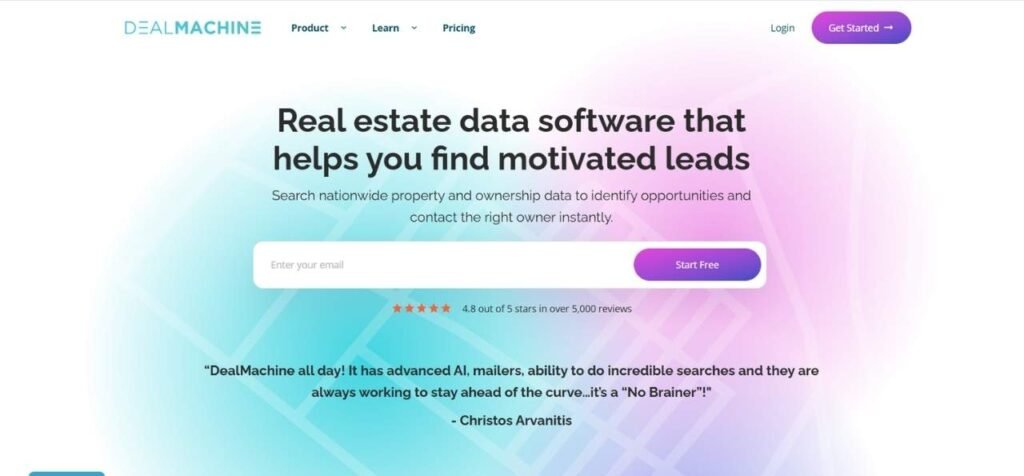
Best For: Investors and agents who want off-market leads
What It Does: Helps you find properties and supports your deal work inside DealMachine.
Key Features
- Helps with deal questions inside the platform
- Supports property research and lead workflows
- Works best for investor-style lead hunting
Real Estate Use Cases
- Build off-market lead lists
- Track outreach and replies
- Move leads into a deal pipeline
Pros
- Strong for investors
- Built into a known investing tool
Cons
- Not ideal if you only do normal retail sales
- Some data depends on location
Quick Tip for Agents
Do outreach weekly in small batches instead of doing one big blast.
7. Sidekick — Quick Answers for Agents
Launched: November 2023
Website: www.sidekickdata.io
CEO: Michael Martin
Language: English
Country: United States

Best For: Agents who want faster market and property answers
What It Does: Helps you get quick info and talking points for clients.
Key Features
- Helps you prepare for client calls
- Gives market/property insights (based on their setup)
- Supports agent workflows
Real Estate Use Cases
- Prepare talking points before a buyer call
- Get better answers for client questions
- Save time during research
Pros
- Made for real estate work
- Helps you sound prepared
Cons
- Usually requires demo pricing
- You must use it often to get value
Quick Tip for Agents
Before every consult, prepare 5 quick points about the area and the home.
8. RealGrader — Improve Your Online Presence
Launched: 2018
Website: www.realgrader.com
CEO: Alex Montalenti
Language: English
Country: United States

Best For: Agents who want more trust and visibility online
What It Does: Shows what your online presence looks like and what needs improvement.
Key Features
- Online presence score/report
- Helps you find weak areas
- Gives ideas to improve your profiles
Real Estate Use Cases
- Fix your online profiles
- Improve reviews and trust
- Look more professional online
Pros
- Easy to understand
- Helps personal branding
Cons
- Does not replace full SEO work
- You still need to fix things manually
Quick Tip for Agents
Start with your Google Business Profile: photos, services and reviews.
9. Write.homes — Listing Descriptions Made Easy
Launched: 2023
Website: www.write.homes
CEO: Dulan Perera
Language: English
Country: United States
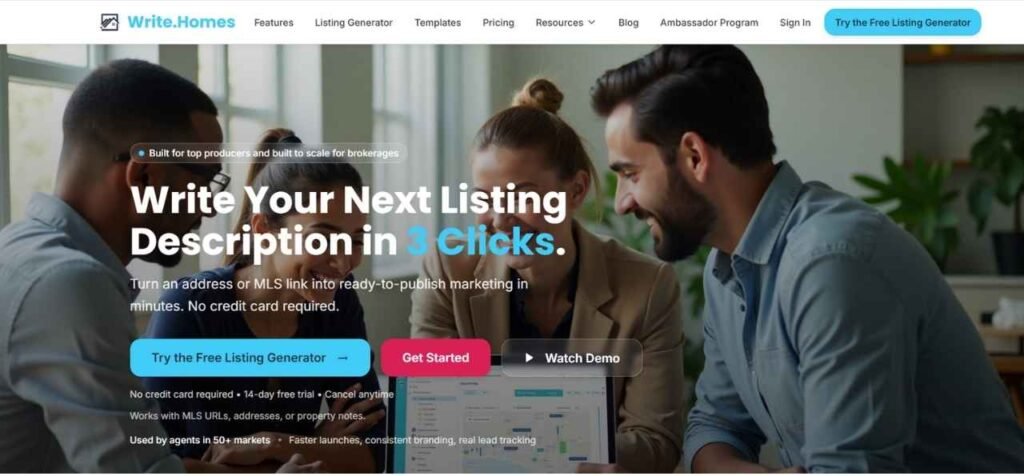
Best For: Agents who write lots of listing text
What It Does: Helps you write listing descriptions, captions and marketing text faster.
Key Features
- Listing descriptions
- “Just Listed / Open House” captions
- Multiple writing styles
- Quick edits and versions
Real Estate Use Cases
- Write listing text in minutes
- Make better property highlights
- Create posts and email text quickly
Pros
- Big time saver
- Simple and focused on listings
Cons
- You must verify all facts
- Needs your personal tone added
Quick Tip for Agents
Tell it your style: “short, clean, MLS-safe” then reuse that format every time.
10. Styldod — Virtual Staging + Photo Fixes
Launched: 2015
Website: www.styldod.com
CEO: Akhilesh Majumdar
Language: English
Country: United States
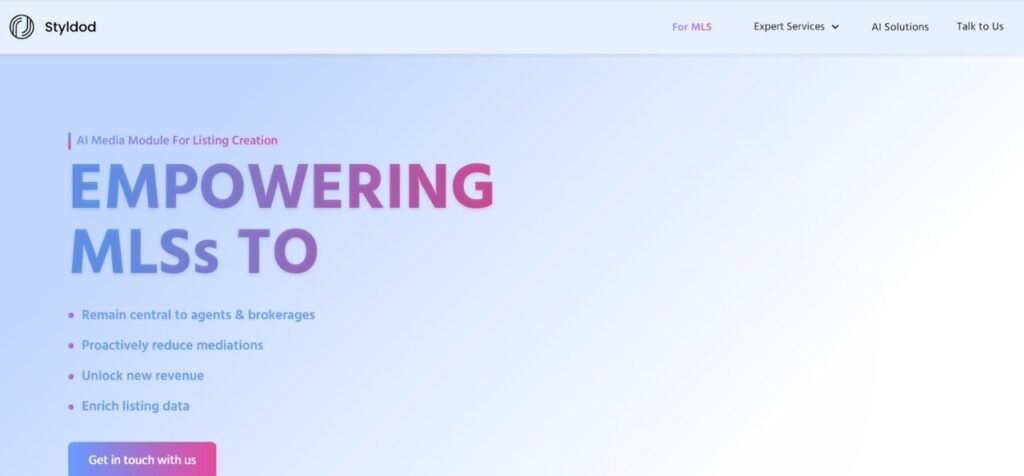
Best For: Agents who want staged photos without staging the home
What It Does: Adds virtual furniture and improves photos to make listings look better online.
Key Features
- Virtual staging
- Photo cleanup and improvements
- Different furniture styles
- Quick turnaround
Real Estate Use Cases
- Stage empty rooms
- Make photos look cleaner and brighter
- Improve listing clicks and saves
Pros
- Strong results for online listings
- Cheaper than physical staging
Cons
- Can look fake if the base photo is poor
- Do not stage too much keep it believable
Quick Tip for Agents
Stage only the living room and main bedroom first those matter most.
How to Choose the Right AI tools for Real Estate
Picking the right tool is simple. Choose the one that fixes your biggest daily problem.
Step 1: Pick Your Main Problem
Ask yourself:
- Do I forget to reply to leads?
- Do I forget to follow up later?
- Do I struggle to write listing descriptions?
- Do my listing photos look boring or empty?
- Do I want off-market leads?
- Do I want more people to find me online?
Pick one problem first. Not all of them.
Step 2: If You Need Help With Leads and Follow-Up
Choose one of these:
- CINC (best for teams with lots of leads)
- Top Producer (good for organized CRM follow-up)
- Wise Agent (simple and affordable)
These tools help you:
- Save contacts
- Set reminders
- Track buyers and sellers
- Follow up on time
If leads are getting cold, start with a CRM tool first.
Step 3: If Writing Takes Too Much Time
Choose:
- Write.homes
- Saleswise
These help you:
- Write listing descriptions
- Write captions for social media
- Write follow-up texts and emails
- Write open house posts
If you hate writing or it takes too long, start here.
Step 4: If Your Listing Photos Do not Look Good
Choose:
- Styldod
- REimagineHome
These help you:
- Add virtual furniture
- Make rooms look nicer
- Show “after” pictures for empty or old homes
If people do not click your listings, better photos can help.
Step 5: If You Want Off-Market Leads
Choose:
- Deal Machine’s Alma
This is best for:
- Investors
- People who do off-market deals
- Finding properties to contact owners
If you mostly do normal buyers and sellers, you may not need this first.
Step 6: If You Want More People to Find You Online
Choose:
- RealGrader
This helps you:
- Look more professional online
- Improve your profiles
- Build trust before someone calls you
Step 7: Start With One Tool Only
This is important.
Do not buy 3–4 tools at once.
Start with one tool, use it for 30 days and then decide what you need next.
1) What These Tools Can Help You Do
1. Reply fast to new leads
When a lead comes in, the first agent who replies usually wins.
These tools can send a quick reply or remind you instantly so you answer in time.
Example: Someone fills a form on your listing at 9:05 PM. If you reply at 9:06 PM, you have a much higher chance to book a call than replying next morning.
2. Follow up on time (without forgetting)
Most leads do not buy on the first day. They need follow-ups.
Tools help you set reminders and follow-up plans so you do not forget.
Example: Lead says “Call me next Tuesday.” A tool can set a reminder so you actually call Tuesday.
3. Keep all contacts in one place
Instead of WhatsApp + notes app + Excel + phone contacts, one system stores everything:
- name
- phone
- budget
- area
- notes
Example: Buyer wants a 3-bed under $400k in one area. You can find that info fast later.
4. Write listing descriptions faster
Writing takes time and brain energy.
Writing tools help you create clean descriptions quickly, then you just edit.
Example: You give it: “3 bed, 2 bath, new kitchen, big backyard” and it turns it into a full description.
5. Make “Just Listed / Open House / Price Drop” posts quickly
Many agents stop posting because it takes too long.
Writing tools create captions, hashtags, and short posts in minutes.
Example: You post an Open House update in 2 minutes instead of spending 30 minutes.
6. Improve listing photos (staging, clean-up, better look)
Photos decide clicks. If photos look empty or dark, people scroll away.
Staging tools add furniture, brighten rooms and make images look more attractive.
Example: Empty living room becomes a staged living room that looks warm and inviting.
7. Show “how it could look” with room redesign ideas
Sometimes a home is old, messy, or not modern.
Redesign tools can show a “new look” image so buyers imagine the potential.
Example: Old kitchen photo → modern kitchen style image (idea version).
8. Find off-market opportunities (for investor-style work)
If you do investor leads, some tools help you:
- find properties
- track owners
- manage outreach
Example: You build a list of homes in one area and do outreach weekly.
9. Look more professional online (build trust)
People check you online before they call. Tools can show what is missing:
- bad profiles
- missing photos
- weak reviews
- unclear info
Example: You fix your profile, add reviews, and look more trustworthy.
10. Save time every day (small time savings add up)
Even saving 30–60 minutes daily is huge over a month.
Tools reduce repeated tasks like typing the same follow-up again and again.
Example: Instead of writing a new message every time, you use a saved template.
Most Common Mistakes Agents Make When Using AI Tools
1. Buying too many tools at once
If you buy 4 tools, you’ll feel confused and stop using all of them.
Fix: Start with ONE tool and use it daily for 30 days.
2. Not setting reminders (then saying “CRM doesn’t work”)
A CRM is useless without follow-up reminders.
Fix: Set reminders for every lead:
- 1 hour
- 1 day
- 3 days
- 7 days
3. Not adding notes after calls
If you don’t save notes, you forget important details and sound careless later.
Fix: After every call, add 2 lines:
- what they want
- next step
4. Not tagging contacts (everything becomes messy)
No tags = chaos. You can’t sort people.
Fix: Use simple tags:
- Buyer
- Seller
- Investor
- Past Client
- Hot / Warm / Cold
5. Copying writing without checking facts
Writing tools can accidentally include wrong details if you don’t feed it properly.
Fix: Always check:
- beds/baths
- square feet
- location/community name
- HOA details
- school info (don’t guess)
6. Sending the same message to everyone
People ignore messages that look like mass spam.
Fix: Small personalization:
- name
- area they asked about
- their timeline
7. Not using the tool daily
Tools work when you build a habit. Many agents use it for 3 days and quit.
Fix: 10 minutes daily is enough:
- check new leads
- send follow-ups
- update notes
8. Using bad photos and expecting good results
If the original photo is dark/blurry, edits won’t look great.
Fix: Take photos in daylight, wide angle, clean lens.
9. Ignoring mobile use
If you can’t use it on your phone, you’ll stop using it.
Fix: Pick tools you can use easily on mobile or have good web access.
10. Paying for features you don’t need
Many plans include extras you may never use.
Fix: Start with the smallest plan. Upgrade only when you clearly need more.
Frequently Asked Questions (FAQs)
These are software tools that help agents save time and work faster. They can help with follow-ups, writing listing descriptions, improving photos, managing leads, and staying organized.
You don’t need them, but they can make your work much easier. If you handle many leads or listings, these tools help you reply faster and stay organized.
Tools like CINC and CRM platforms help you manage and respond to leads quickly. Fast follow-up usually increases your chances of booking appointments.
Yes. Tools like Write.homes and Saleswise can help you create listing descriptions in minutes. You should always review and edit the content before posting.
Most tools are made to be simple. If you can use email and social media, you can usually learn these tools quickly.
Some tools are affordable for solo agents, while others are built for teams and may cost more. Many platforms offer monthly plans or free trials.
Yes. Many agents use a CRM tool for leads, a writing tool for listings, and a staging tool for photos. Using the right mix can improve results.
No. These tools only help you work faster and smarter. Clients still want real advice, trust, and personal guidance from a real agent.
If you’re just starting, begin with a simple CRM like Wise Agent and a writing tool for listing descriptions. Start small, then add more tools as your business grows.