
Forget what you think you know about computer voices. In 2026, robotic voices are gone. AI voices now sound real they breathe, pause, and show feelings just like humans. Most people can’t even tell the difference anymore.
If your content still sounds like a cold machine, people will ignore it. Whether you want to copy your own voice or build a big online brand, these are the top 10 tools changing how people connect through sound. Stop thinking about the past. The future is already here and it sounds more human than ever.
What Are AI Voice Generators?
AI voice generators are tools that turn written text into spoken words using computers. The voice sounds like a real person talking.
Instead of recording someone in a studio, these tools read the text for you in different voices, tones, accents and languages. Today’s AI voices sound very natural and can pause, show feelings and say words clearly.
Here are the top 10 best AI voice generators for 2026, ranked by their overall quality
- ElevenLabs
- WellSaid Labs
- Murf AI
- PlayHT
- Resemble AI
- Speechify Studio
- LOVO AI (Genny)
- Descript
- Synthesia
- Hume AI
1. ElevenLabs
- Launched: 2022
- Website: elevenlabs.io
- CEO: Mati Staniszewski
- Language & Country: 30+ languages; USA/UK/Poland
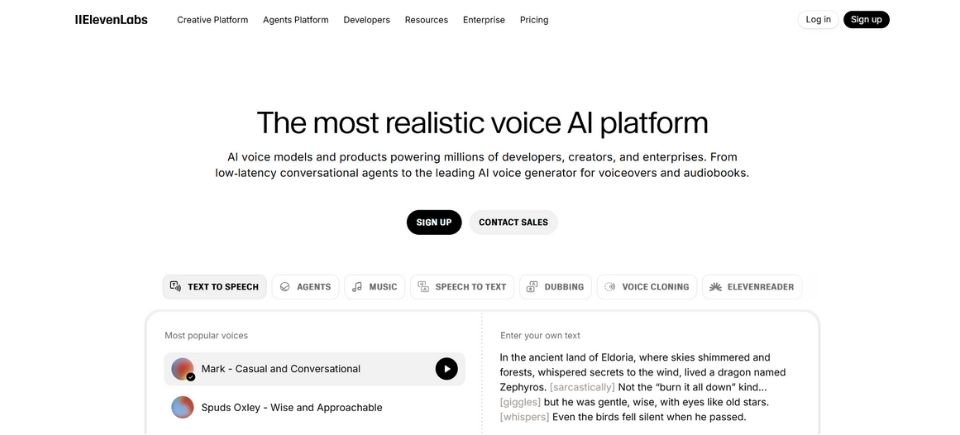
Description: ElevenLabs is the #1 choice because it fixed the problem of robot like voices. Before this, computer voices sounded boring and fake. People wanted voices that could show feelings like happiness, fear or excitement, especially in movies and games. ElevenLabs was made to solve this problem. It also allows users to copy their own voice and control how emotional the voice sounds. Because of this many people believe ElevenLabs sounds more real than any other voice tool today.
Best For: Telling stories and making characters for games.
My Experience: Using ElevenLabs in 2026 feels like working with a real actor. When I asked it for a “suspenseful whisper,” it actually gave me chills. It is the only tool I have tried where the voice seems to really understand what the script means.
Pros:
- The voices sound very real and full of emotion.
- It can copy voices very well, even for professional use.
Cons:
- It can get expensive if you use it for very long projects.
- Sometimes, you may have to wait when many people are using it at the same time.
2. WellSaid Labs
- Launched: 2018
- Website: wellsaid.io
- CEO: Matt Hocking
- Language & Country: English, Spanish, French, and 30+ regional dialects; USA
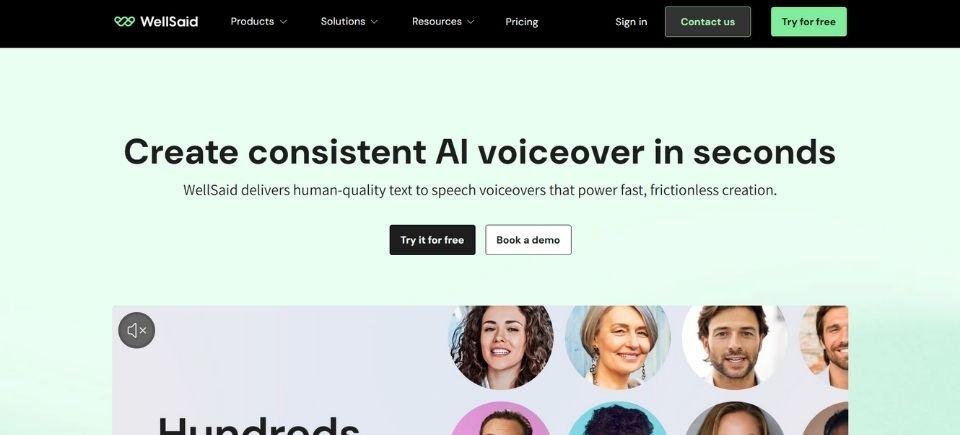
Description: WellSaid Labs is #2 because It is very professional and easy to trust. It was made for big companies that need a voice that sounds smart and clear. It works well for teaching and explaining new topics. You can control how hard words are spoken, so the voice always says them correctly. Big offices like it because it keeps their work safe, private, and sounds like a skilled narrator every time.
Best For: Business videos and school lessons.
My Experience: It is very reliable. When I used it for a 100-page company manual, every word sounded perfect. It does not make strange mistakes in pronunciation, so it is the easiest tool to use without worrying.
Pros:
- The voices sound very clear and professional, perfect for business use.
- All voices are safe to use and properly licensed.
Cons:
- There are not many fun or character style voices.
- The starting price can be too high for small creators.
3. Murf AI
- Launched: 2020
- Website: murf.ai
- CEO: Ankur Edkie
- Language & Country: 120+ voices in 20+ languages; USA/India
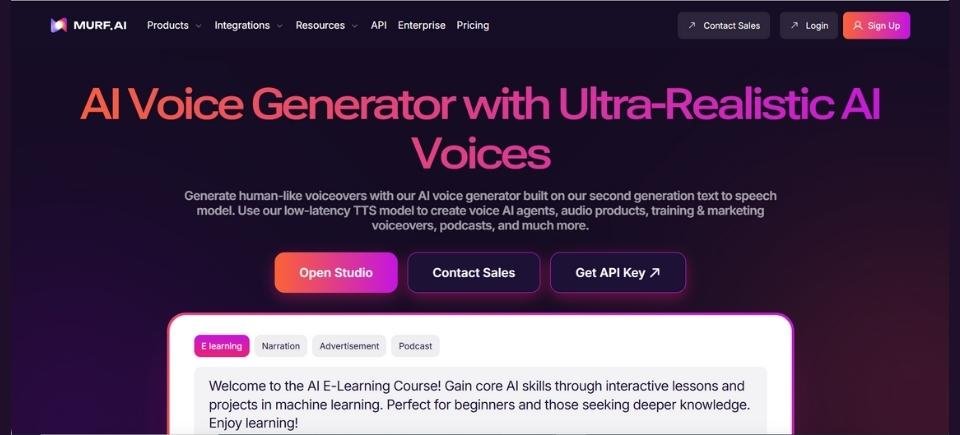
Description: Murf AI is #3 because It is a “one-stop shop” that makes adding a voice to your video really easy. You do not need an expensive microphone to use it. One cool feature is that you can record your own shaky voice and Murf will turn it into a clear, perfect voiceover. People like it because it is very easy to learn, even if you have never made a video before.
Best For: People making YouTube or social media videos.
My Experience: I tried the “Voice Changer” with a messy recording from my phone while I was in a noisy cafe. Murf removed all the background noise and turned my shaky voice into a clear, professional sounding narrator. It is a real lifesaver for quickly making videos for social media.
Pros:
- It is very easy to use and works for both video and audio.
- The Voice Changer is great for fixing beginner recordings.
Cons:
- It does not have as many languages as some other tools.
- The editing dashboard can feel a bit slow sometimes.
4. PlayHT
- Launched: 2016
- Website: play.ht
- CEO: Mahmoud Felfel
- Language & Country: 140+ languages; USA
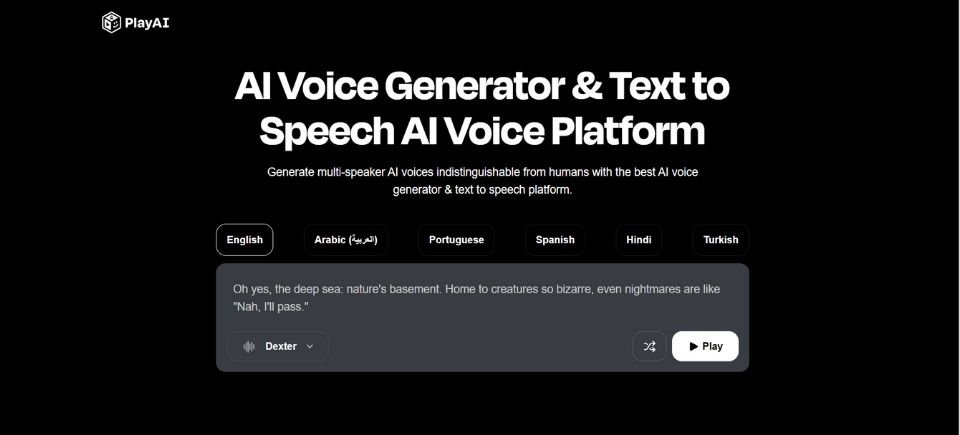
Description: PlayHT is #4 because it is really fast. It was made to fix the “waiting problem,” when computers take too long to answer. Its cool feature is that it talks instantly, which is great for robots that need to chat in real time. It has over 900 different voices, so you can pick the perfect one for any project.
Best For: Apps that talk back to you and fast customer help.
My Experience: I used PlayHT with a test chatbot, and it was super fast. There was almost no wait between asking a question and hearing the answer. It felt almost like talking to a real person on the phone in real time.
Pros:
- It is very fast, so the app responds quickly.
- It has a huge library with over 900 different voices.
Cons:
- Some of the older voices still sound a little robotic.
- The interface is mostly made for people who know a lot about technology.
5. Resemble AI
- Launched: 2019
- Website: resemble.ai
- CEO: Zohaib Ahmed
- Language & Country: 100+ languages; Canada/USA
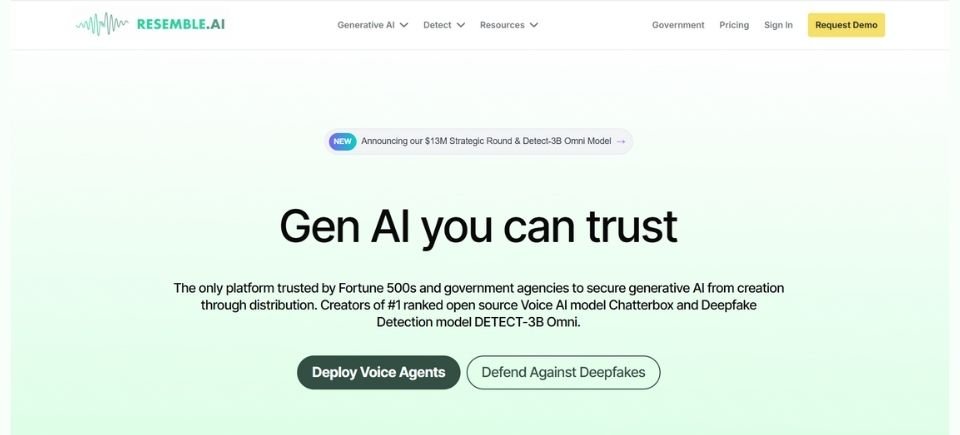
Description: Resemble AI is #5 because it can change quickly. It was made for games where characters need to say different things depending on what the player does. One cool feature is that you can change just one word in a long sentence without redoing the whole thing. It also keeps your voice safe so no one can steal or copy it without permission.
Best For: Video games where characters talk to you.
My Experience: I made a mistake with a name in a 2 minute voiceover. Instead of recording it again, I just typed the correct name in Resemble. The AI matched my voice perfectly, and you could not tell where the fix was made.
Pros:
- You can change single words in audio without recording again.
- It keeps copied voices very safe with strong security.
Cons:
- It can be a bit hard for beginners to learn.
- There is no free version; you have to pay to use it.
6. Speechify Studio
- Launched: 2017
- Website: speechify.com
- CEO: Cliff Weitzman
- Language & Country: 30+ languages; USA
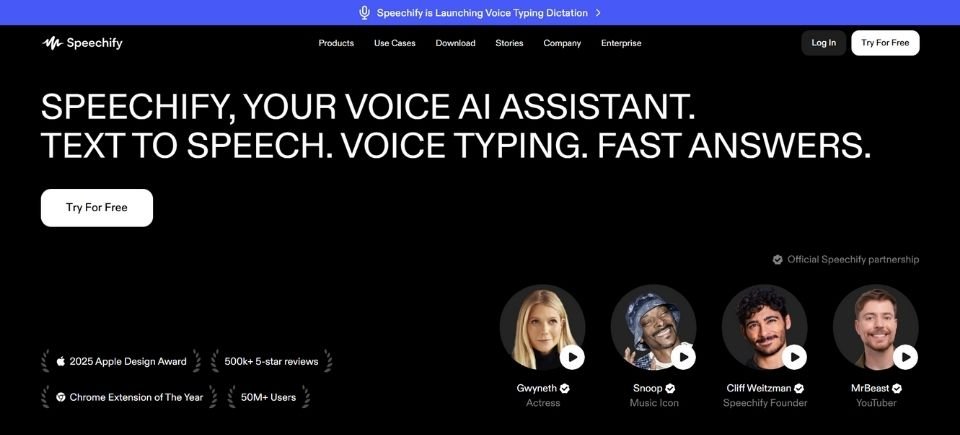
Description: Speechify is #6 because it helps you “read” by listening. It was first made for students who find reading hard. Now, it can turn any book or paper into an audio file. A fun feature is that it even has famous voices, like Snoop Dogg, who can read your homework to you! It is on this list because it’s very helpful for students who want to learn faster.
Best For: Reading homework out loud and listening on the go.
My Experience: I listened to a 50-page PDF at 3x speed using the Snoop Dogg voice. It was still perfectly clear. It has turned my boring commute into a fast and fun learning time.
Pros:
- It has fun, official celebrity voices, like Snoop Dogg.
- The mobile app is great for students and busy people.
Cons:
- The yearly subscription is expensive if you want all features.
- The voices cannot show a wide range of acting for movie scenes.
7. LOVO AI (Genny)
- Launched: 2019
- Website: lovo.ai
- CEO: Charlie Park
- Language & Country: 100+ languages; USA/South Korea
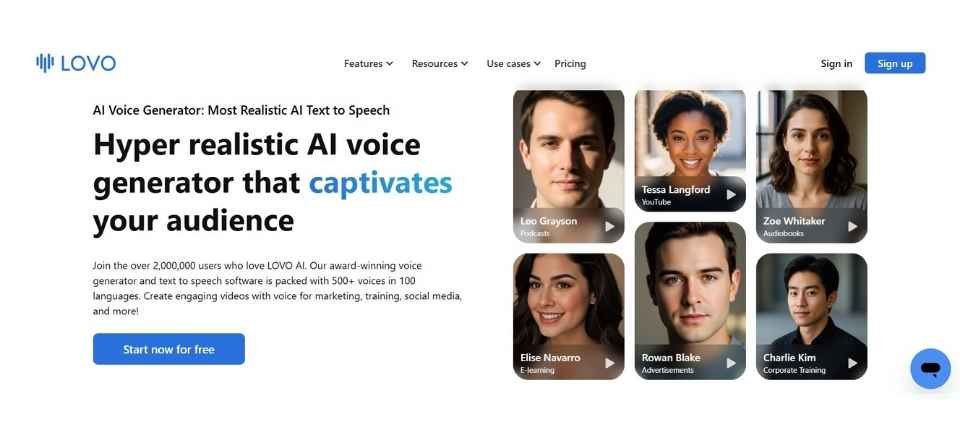
Description: LOVO AI (Genny) is #7 because It is like a “creative toolbox.” It was made for people who need to post videos every day but do not have much time. A cool feature is that the voices can sound “angry,” “drunk,” or “shouting” to match your video’s mood. It can also help you write words and make pictures, so you have everything you need in one place.
Best For: Making quick TikToks and Instagram clips.
My Experience: I used the “Angry” emotion for a dramatic TikTok video. The AI did not just get louder it added a “growl” to the voice. It is perfect for making your audio grab attention in the first two seconds.
Pros:
- It has special “emotional” options, like shouting or sounding unsure.
- You can use AI writing and image tools all in the same workspace.
Cons:
- Some voices sound too excited for serious business work.
- Sometimes different voices can sound very similar.
8. Descript
- Launched: 2017
- Website: descript.com
- CEO: Andrew Mason
- Language & Country: English (Global); USA
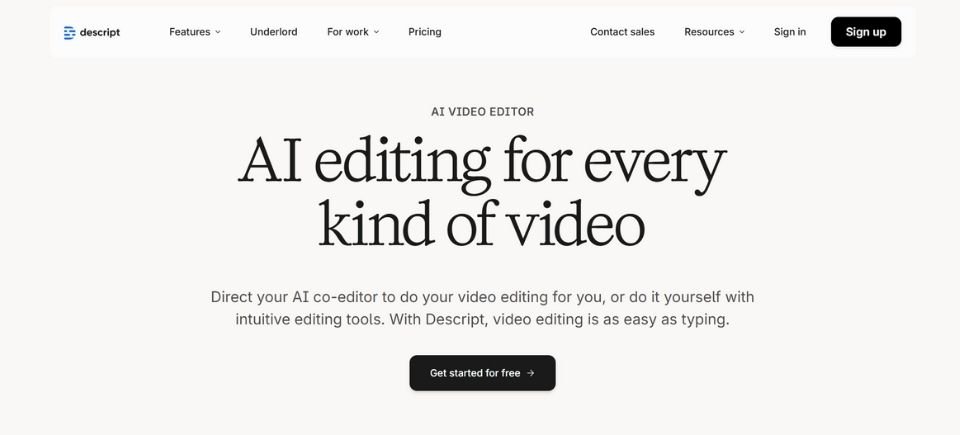
Description: Descript is #8 It is special because it lets you edit sound like a text document. It was made for people who don’t want to spend hours fixing mistakes in their audio. A cool feature called “Overdub” lets you fix a wrong word by just typing the right one and the computer will change it in your own voice!
Best For: People who make Podcasts.
My Experience: Editing my podcast was as easy as editing a Google Doc. I deleted a sentence in the transcript, and the audio was cut right away. The “Overdub” feature fixed my mispronunciations without me having to use a microphone again.
Pros:
- You can edit audio just by deleting or typing words in a document.
- It can automatically remove filler words like “um.”
Cons:
- It is mainly an editor, not just a voice making tool.
- You need a strong computer for it to run well.
9. Synthesia
- Launched: 2017
- Website: synthesia.io
- CEO: Victor Riparbelli
- Language & Country: 140+ languages; UK
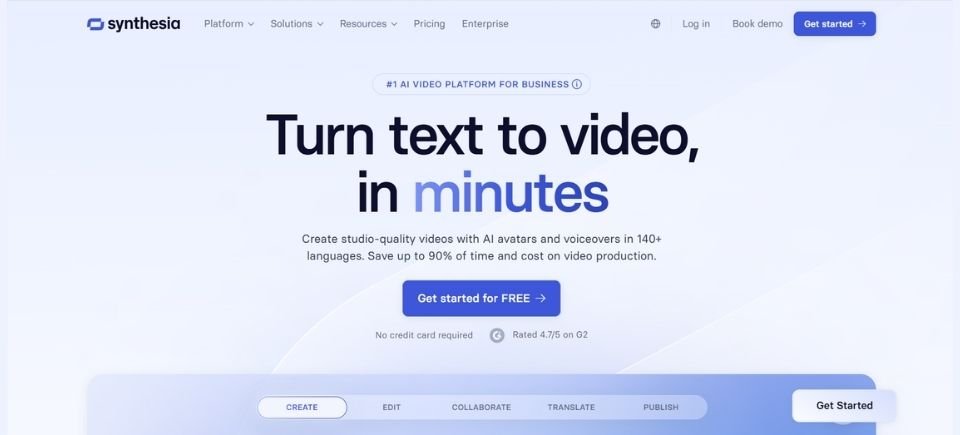
Description: Synthesia is #9 It is special because it gives the voice a face. It was made so companies do not have to hire actors every time they make a video. A cool feature is a digital person (an avatar) whose lips move perfectly with the voice. It can speak over 140 languages, which is great for teaching people all over the world.
Best For: Training videos with digital “talking heads.”
My Experience: I made a training video in five languages at the same time. The digital avatar’s lips matched the French, German, and Japanese voices perfectly. It saves weeks of filming time.
Pros:
It provides perfect sync between AI voices and digital avatars. It supports over 140 regional accents for global training.
Cons:
The digital faces can still look slightly stiff. There is no free access available; you must pay to use it.
10. Hume AI
- Launched: 2021
- Website: hume.ai
- CEO: Alan Cowen
- Language & Country: English (Global); USA
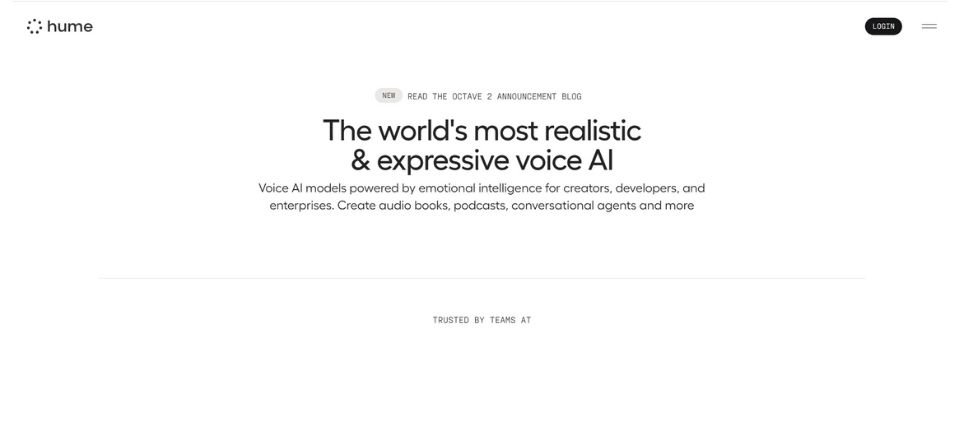
Description: Hume AI is #10 It is special because it is very kind. Most computers cannot tell if you are happy or sad, but this one can. A cool feature is that it listens to your voice, understands your mood, and talks back in a way that matches how you feel. It shows the future of how we will talk to computer.
Best For: Computers that understand how you feel.
My Experience: I talked to the Hume “EVI” when I was really frustrated. It noticed the stress in my voice, said sorry, and spoke back in a calmer way. It felt less like talking to a computer and more like talking to someone who understands you.
Pros:
- It can understand and react to your mood.
- Uses advanced technology for future AI companions.
Cons:
- Much of the technology is still being tested.
- It is not made for regular voiceover work.
Key Features, Pricing & Access
| Tool | Key Features | Pricing (Approx.) | Free Access? |
|---|---|---|---|
| ElevenLabs | Pro Voice Cloning, Emotion Sliders, Multilingual v2.5 | $5 – $330+/mo | Yes (10k chars/mo) |
| WellSaid | SOC 2 Security, Licensed Talent, Team Collaboration | $49 – $199/mo | 1-week free trial |
| Murf AI | Video Sync Editor, Voice Changer, Google Slides Add-on | $19 – $75/mo | Yes (limited usage) |
| PlayHT | 900+ Voices, Ultra-Low Latency API, 140+ Languages | $39 – $99/mo | Yes (5,000 words) |
| Resemble AI | Speech-to-Speech, Deepfake Detection, Per-Second Pricing | $0.006 per second | No (Paid only) |
| Speechify | Celebrity Voices, 900wpm playback, OCR Photo-to-Voice | $139/year | Yes (Basic App) |
| LOVO AI | AI Art/Script Integration, “Drunk/Shout” Emotions | $24 – $149/mo | 14-day free trial |
| Descript | Text-based editing, Overdub Cloning, Studio Sound | $12 – $40/mo | Yes (1 hour/mo) |
| Synthesia | AI Avatars, Auto-Lip Sync, 140+ Regional Accents | $22 – $67/mo | No (Paid only) |
| Hume AI | Emotional Sentiment Detection, Dynamic Responses | Pay-as-you-go | Yes (Dev Sandbox) |
How AI Voice Generators Work
AI voice generators work by using smart computer models that learn how humans speak.
Here is the process in simple steps:
- Text Input
You type or paste your text into the tool. - Understanding the Text
The AI reads the text and understands things like pronunciation, pauses, and emotions. - Voice Creation
The system uses trained voice data to turn the text into speech that sounds human. - Fine-Tuning the Sound
The AI adjusts tone, speed, pitch, and clarity so the voice sounds natural. - Audio Output
The final result is a ready-to-use audio file you can download or share.
Key Features of AI Voice Generators
AI voice generators come with many useful features that make them easy and powerful to use. Here are the key ones explained simply:
- Natural-Sounding Voices
The voices sound clear, smooth, and close to real human speech. - Multiple Voice Options
You can choose from different male and female voices, accents, and styles. - Text-to-Speech Conversion
Just type your text, and it turns into spoken audio instantly. - Voice Control Settings
Adjust speed, pitch, tone, and pauses to match your needs. - Language Support
Many tools support multiple languages and regional accents. - Emotion & Style Control
Some generators can sound happy, serious, calm, or energetic. - Fast Audio Creation
Create voice recordings in minutes instead of hours. - No Recording Equipment Needed
You don’t need a mic, studio, or voice actor. - Downloadable Audio Files
Save the voice as MP3 or WAV for easy use anywhere.
These features make AI voice generators perfect for videos, learning content, marketing, and more.
What AI Voice Generators Are Used For
AI voice generators are used to turn written text into clear, human-sounding speech for many everyday purposes. Here are the most common uses, explained simply:
- YouTube & Social Media Videos
Creators use AI voices for narration, shorts, and explainer videos. - Audiobooks
Turn books, blogs, or articles into spoken audio. - Online Courses & E-Learning
Add clear voice lessons to training videos and tutorials. - Podcasts
Create podcast episodes or intro/outro voiceovers. - Ads & Marketing
Make voiceovers for ads, promotions, and product videos. - Business Presentations
Add professional narration to slides and demos. - Customer Support & IVR
Used in call systems to guide customers automatically. - Accessibility
Help people with reading difficulties by reading text aloud. - Games & Apps
Provide character voices and in-app narration.
Why AI Voice Generators Are Popular
AI voice generators are popular because they make creating voice content fast, easy, and affordable. Here are the main reasons people love using them:
- Save Time
You can create a voiceover in minutes instead of recording for hours. - Lower Cost
No need to hire voice actors or rent a studio. - Easy to Use
Anyone can use them—just type text and click generate. - Professional Sound
The voices sound clear, polished, and trustworthy. - Many Voice Choices
Pick different voices, accents, and styles for any project. - No Equipment Needed
No microphone, no soundproof room, no editing stress. - Quick Edits
Change the text and regenerate the voice instantly. - Great for Content Creators
Perfect for YouTube, websites, courses, and ads.
How to Choose Your Ideal AI Voice Generator
Choosing the right AI voice generator can make your content sound better and fit your needs. Here’s a simple guide to help you pick the ideal one:
1. Quality of Voices
Listen to sample voices and check how natural and clear they sound. The more human-like the voice, the better your final audio will feel.
2. Voice Variety
Look for tools that offer:
- Male and female voices
- Different accents and languages
- Emotional tones (happy, serious, energetic)
More options = more flexibility.
3. Language & Accent Support
If you need voices in specific languages or regional accents, make sure the generator supports them.
4. Customization Features
Good tools let you adjust:
- Speed (faster or slower speech)
- Pitch/tone
- Pauses and emphasis
These help your audio match your style.
5. Ease of Use
Choose a tool with a simple interface and clear instructions — especially important if you’re not tech-savvy.
6. Pricing & Plans
Compare:
- Free vs. paid plans
- Monthly or annual costs
- Limits on characters or audio downloads
Pick one that fits your budget and usage needs.
7. Output Formats
Check if you can download audio in formats like:
- MP3 (small file, common)
- WAV (high quality)
Having both is ideal.
8. Integration & Workflow
Some tools work directly with video editors, scripts, or other apps — useful if you produce a lot of content.
9. Licensing & Usage Rights
Make sure you can legally use the voice output in your projects (especially for commercial work).
The Future of AI Voice in Real Life
The future of AI voice in real life looks very exciting and much more human than today. As the technology improves, AI voices will become a normal part of everyday life.
Here is what we can expect:
- More Human-Like Voices
AI voices will sound almost exactly like real people, with natural emotions, pauses, and expressions. - Real-Time Conversations
AI will talk and respond instantly, making chats with virtual assistants feel more natural. - Personalized Voices
People and brands will have their own unique voice style that matches their personality. - Better Language Support
AI voices will speak more languages and local accents with near-perfect accuracy. - Smart Devices Everywhere
Homes, cars, phones, and wearables will use AI voice for daily tasks and controls. - Education & Learning
AI tutors will explain lessons in a friendly, clear voice that adapts to students. - Healthcare Support
AI voices will help patients with reminders, guidance, and basic care instructions. - Accessibility for Everyone
AI voice will make technology easier for people with reading, vision, or speech difficulties. - Ethical & Safe Use
Stronger rules will help prevent misuse like fake voices or identity copying.
FAQs (Frequently Asked Questions)
An AI voice generator is a tool that turns your written text into spoken audio. You paste a script, pick a voice, and the tool creates a voiceover you can download and use in videos, ads, or courses.
Many do sound very natural now, especially for narration and short videos. The best tools have better pacing, cleaner pronunciation, and more natural emotion, but quality still depends on the voice you choose and how you write your script.
Look for a tool that has natural voices, good pacing, and easy export (MP3 or WAV). Also pick one that lets you control speed and emphasis, because YouTube voiceovers need clear delivery and energy.
In general, yes, if you follow the tool’s rules and use voices properly. The biggest rule is this: do not copy or clone someone’s voice without permission, and do not use AI voice to trick people.
Most tools allow commercial use on paid plans, and some allow it on free plans with limits. Always check the tool’s licensing or usage rights page, especially if you are using it for ads, client work, or YouTube monetization.
Use shorter sentences, write like you speak, and add pauses. Then adjust speed slightly and use emphasis on important words. Also fix pronunciation for brand names and avoid long, complicated lines.
Check these four things: voice quality, languages/accents, editing controls (speed, tone, emphasis), and pricing limits (characters or minutes). If you plan to scale, also check team features and API access.
Some tools support Urdu, but support can vary by tool and by voice model. If Urdu is important, test the same script in 2 or 3 tools before you commit, because pronunciation quality can be different.