Teaching and learning are not easy today. Teachers have to make lesson plans, check work, prepare class activities, and answer student questions every day. Students also have a lot to do, like homework, test prep, note-taking, writing and understanding hard topics.
That is why these tools are becoming so helpful. A good tool can help teachers save time and make classes more interesting. It can also help students learn better, finish work faster and stay more organized.
But there is one problem. There are so many tools online now and not all of them are really useful. Some look good at first, but they do not help much in real school or study life.
That is why we made this list. We picked 10 tools that can really help teachers and students. Some are good for lesson planning, quizzes and class work. Others are better for writing, research, math, notes and study help.
If you want to find tools that can make school work easier and save time, this list is worth reading from start to end. It may help you find the right tool for your class, your homework or your daily study routine.
Here is the Updated list of the 10 AI Tools for Schools to Boost Teaching and Classroom Productivity
- MagicSchool AI
- Khan Academy (Khanmigo)
- Brisk Teaching
- Canva for Education
- Grammarly
- Perplexity AI
- Quizizz
- Wolfram|Alpha
- NotebookLM
- Otter.ai
Quick Comparison Table: Top 10 AI Tools for Teachers and Students 2026
| Tool Name | Best For | Main Use | Pricing |
|---|---|---|---|
| MagicSchool AI | Teachers | Lesson planning, class resources, school writing support | Free for teachers, paid school and district plans available |
| Khan Academy (Khanmigo) | Teachers and Students | Guided tutoring and teaching help | Free for teachers, $4/month for learners and parents, district pricing on request |
| Brisk Teaching | Teachers | Feedback, lesson support, classroom workflow | Free plan for teachers, paid school and district pricing is custom |
| Canva for Education | Teachers and Students | Presentations, worksheets, posters, visual learning | Free for eligible K-12 teachers and students |
| Grammarly | Teachers and Students | Writing, grammar, clarity, tone | Free plan available, Pro starts at $12/user/month billed annually or $30 billed monthly |
| Perplexity AI | Students | Research, quick answers, topic discovery | Free plan available, Pro starts at $17/month billed annually |
| Quizizz | Teachers and Students | Quizzes, assessments, class practice | Free start option available, premium and district plans available on request |
| Wolfram|Alpha | Students | Math, science, calculations, problem-solving | Free version available, Pro starts at $5/month billed annually or $9.99 monthly |
| NotebookLM | Teachers and Students | Notes, summaries, study guides, source-based learning | Free version available, NotebookLM Pro available through paid Google AI plans |
| Otter.ai | Teachers and Students | Lecture transcription, note-taking, recordings | Basic free plan available, Pro starts at $8.33/user/month billed annually, Business starts at $19.99/user/month billed annually |
1. MagicSchool AI
Launched: 2023
Website: www.magicschool.ai
Founder / Company: Adeel Khan, MagicSchool
Country: United States
Best For: Teachers
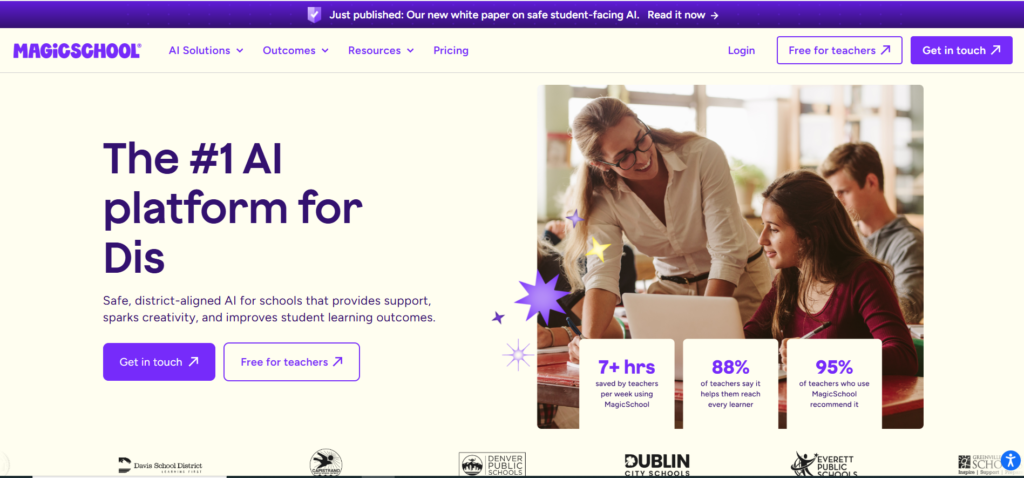
MagicSchool AI is made for teachers who want to save time on daily school work. It offers teacher-focused tools for lesson planning, class materials, writing tasks, and other common classroom jobs. The platform presents itself as an AI tool built for educators, with safety and school use in mind.
Key Features
- Lesson planning support
- Classroom resource generation
- Writing help for school tasks
- Teacher-focused workflow tools
Pros and Cons
| Pros | Cons |
|---|---|
| Built mainly for teachers | More teacher-focused than student-focused |
| Helps reduce planning time | Output may still need review |
| Designed for school use | Some advanced features may depend on plan level |
2. Khan Academy (Khanmigo)
Launched: 2023
Website: www.khanmigo.ai
Founder / Company: Khan Academy, founded by Salman Khan
Country: United States
Best For: Teachers and Students
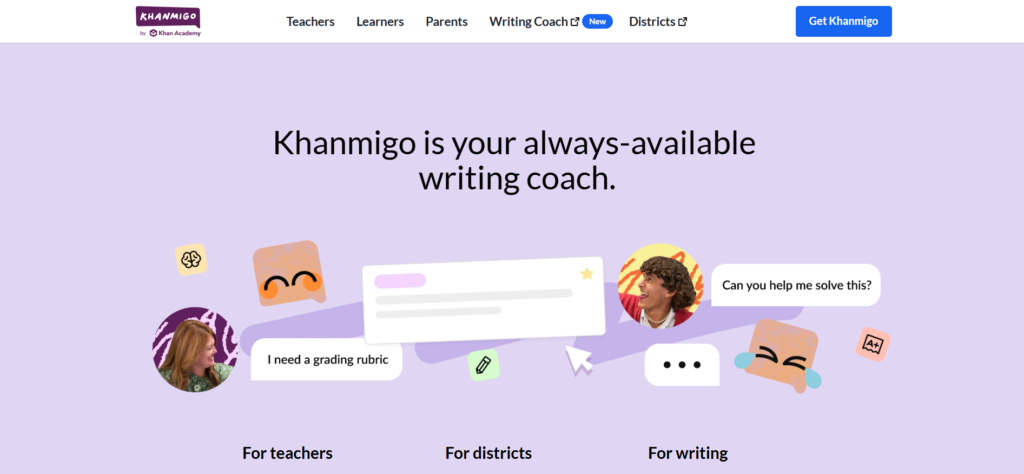
Khanmigo is Khan Academy’s AI-powered tutor and teaching assistant. It is designed to guide learners instead of only giving direct answers. That makes it useful for students who want to understand topics better and for teachers who want support with classroom learning. Khan Academy says Khanmigo was introduced in 2023 and built with safety and learning in mind.
Key Features
- Guided tutoring support
- Teaching assistant features
- Learning-focused responses
- Built around Khan Academy’s education model
Pros and Cons
| Pros | Cons |
|---|---|
| Strong focus on actual learning | Best experience may depend on access type |
| Useful for both teachers and students | Not every subject need is handled the same way |
| Safer classroom-focused positioning | Some users may want faster direct answers |
3. Brisk Teaching
Launched: 2023
Website: www.briskteaching.com
Founder / Company: Arman Jaffer, Brisk Teaching
Country: United States
Best For: Teachers
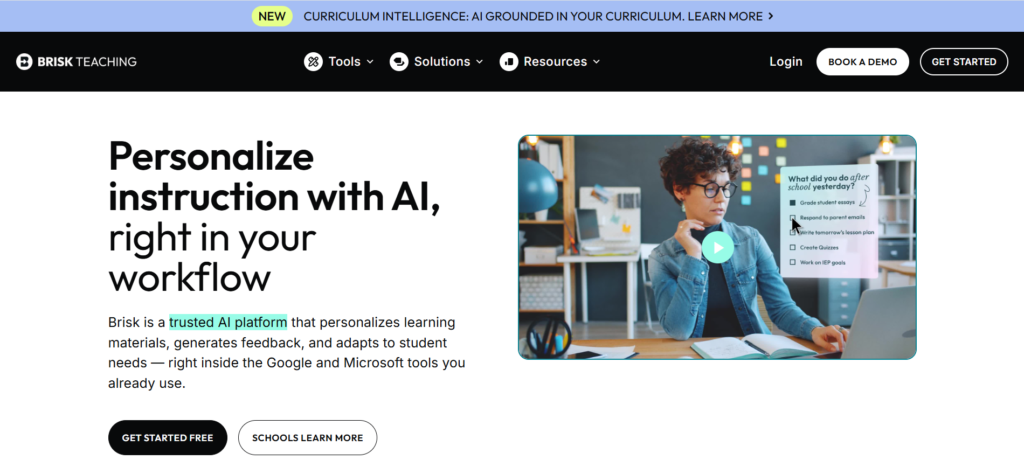
Brisk Teaching is built to help teachers work faster inside tools they already use. Its platform focuses on teacher workflow, feedback, personalized materials, and class support. Brisk says it works inside Google and Microsoft tools, which makes it practical for busy educators.
Key Features
- Feedback generation
- Teaching workflow support
- Personalized learning material help
- Works inside common teacher tools
Pros and Cons
| Pros | Cons |
|---|---|
| Saves time on repeated classroom tasks | Mainly built for teachers, not general student use |
| Fits into existing workflow | Some users may need time to learn all features |
| Strong practical classroom use | Free access may not include every feature |
4. Canva for Education
Launched: 2019 for Canva for Education
Website: www.canva.com
Founder / Company: Canva, founded by Melanie Perkins, Cliff Obrecht, and Cameron Adams
Country: Australia
Best For: Teachers and Students
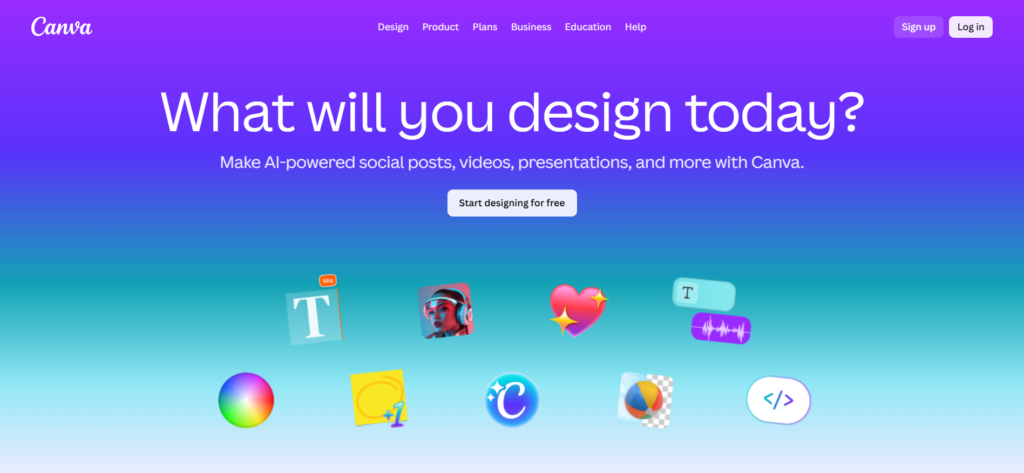
Canva for Education helps teachers and students create visual class materials like presentations, worksheets, posters, lesson content, and more. Canva says its education offering is free for verified teachers and students at eligible schools. It is a strong choice for visual learning, class creativity, and project work.
Key Features
- Presentation creation
- Worksheet and poster design
- Collaboration tools
- Ready-made education templates
Pros and Cons
| Pros | Cons |
|---|---|
| Very easy to use | Can become design-heavy if used without clear study goals |
| Great for visual classroom work | Internet is important for best use |
| Useful for both teachers and students | Some advanced tools may vary by access level |
5. Grammarly
Launched: 2009
Website: www.grammarly.com
Founder / Company: Max Lytvyn, Alex Shevchenko, and Dmytro Lider, Grammarly
Country: United States
Best For: Teachers and Students
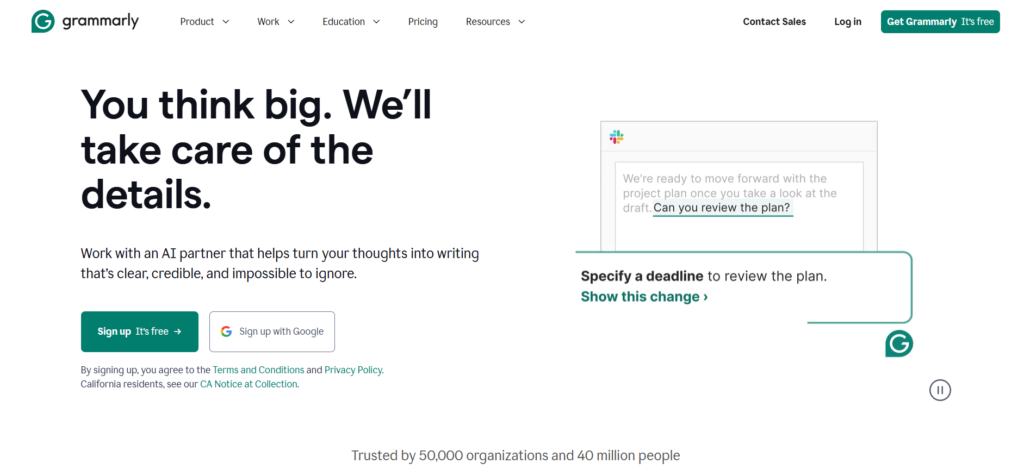
Grammarly started in 2009 and was first built as a product focused on grammar and spelling for students. Today, it helps with grammar, spelling, clarity, tone, and writing improvement. It is useful for essays, assignments, emails, and teaching material.
Key Features
- Grammar correction
- Spelling checks
- Clarity suggestions
- Tone and writing support
Pros and Cons
| Pros | Cons |
|---|---|
| Easy writing support for school work | Free version has limits |
| Helpful for essays and assignments | Not every suggestion is perfect |
| Useful for both teachers and students | Better features are often paid |
6. Perplexity AI
Launched: 2022
Website: www.perplexity.ai
Founder / Company: Aravind Srinivas, Denis Yarats, Johnny Ho, and Andy Konwinski, Perplexity AI
Country: United States
Best For: Students
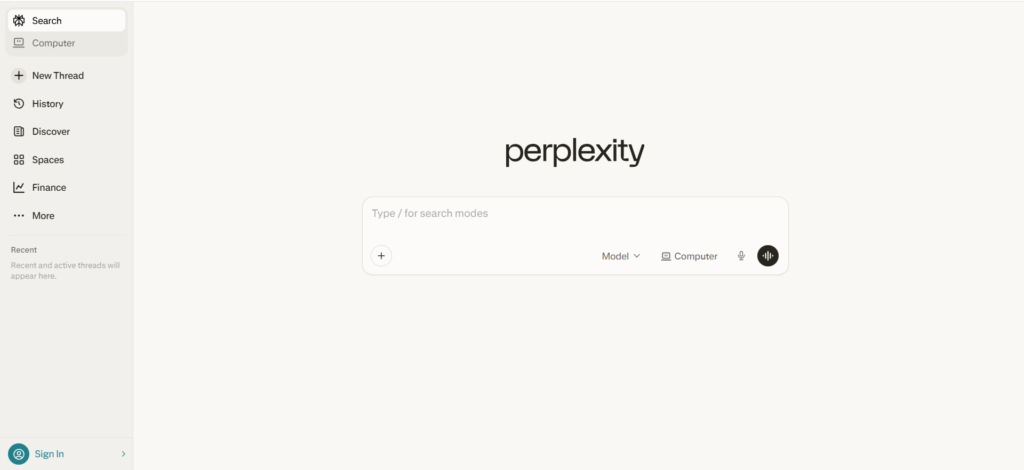
Perplexity is a free AI-powered answer engine that helps users find answers, explore topics, and start research quickly. Public company information shows it was founded in 2022. For students, it can be useful for topic discovery, quick research, and getting a simple starting point before deeper study.
Key Features
- Quick research help
- Answer-based search
- Topic discovery
- Source-linked responses
Pros and Cons
| Pros | Cons |
|---|---|
| Good for fast research | Answers should still be checked carefully |
| Easy starting point for study | Can lead to over-reliance if used lazily |
| Helpful for exploring new topics | Not a replacement for full academic research |
7. Quizizz
Launched: 2015
Website: www.quizizz.com
Founder / Company: Ankit Gupta and Deepak Cheenath, Quizizz
Country: United States and India
Best For: Teachers and Students
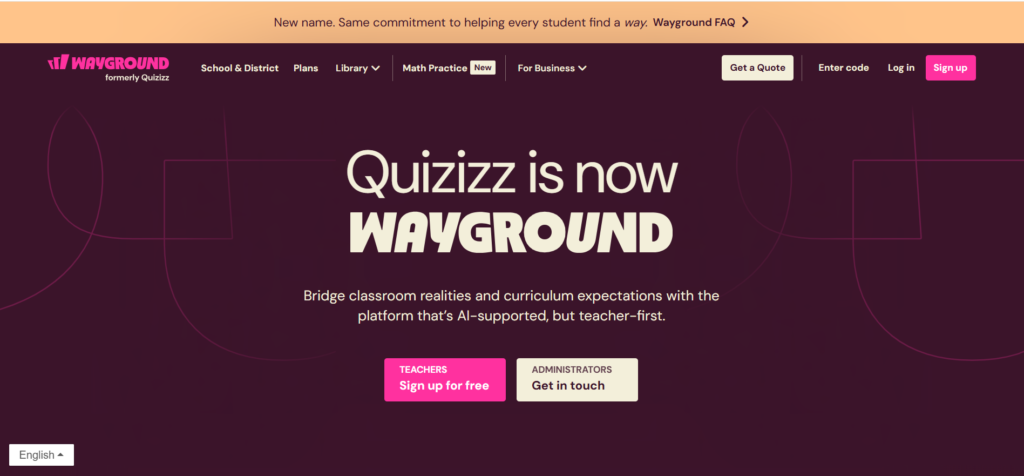
Quizizz is a classroom quiz and practice platform used for assessments, revision, and interactive learning. A company press release says it was founded in 2015 by Ankit Gupta and Deepak Cheenath while teaching remedial math in Bangalore. It works well for live class activities and homework practice.
Key Features
- Quiz creation
- Class assessments
- Homework and revision practice
- Interactive learning activities
Pros and Cons
| Pros | Cons |
|---|---|
| Makes class practice more engaging | Can feel game-like in some settings |
| Good for revision and testing | Quiz quality depends on setup |
| Works for both teachers and students | Some advanced school needs may require paid access |
8. Wolfram|Alpha
Launched: May 18, 2009
Website: www.wolframalpha.com
Founder / Company: Stephen Wolfram, Wolfram Research
Country: United States
Best For: Students
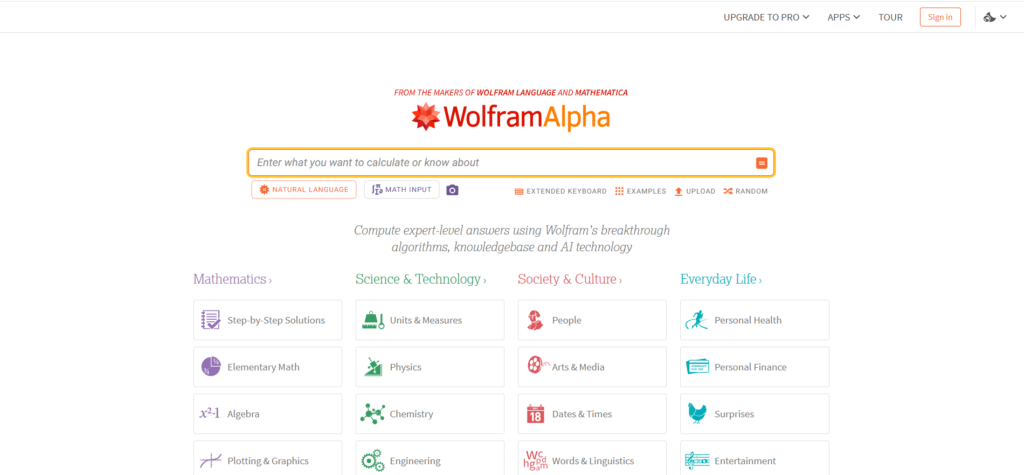
Wolfram|Alpha is built for computation, math, science, and structured problem-solving. Its official launch announcement dates it to May 18, 2009. It is especially useful for students in math-heavy and technical subjects because it focuses on solving and explaining problems in a more structured way than a normal search engine.
Key Features
- Math problem-solving
- Science and technical support
- Computation and formulas
- Structured output
Pros and Cons
| Pros | Cons |
|---|---|
| Excellent for math and science | Not ideal for every school subject |
| Strong problem-solving engine | Can feel technical for beginners |
| Good for advanced learners | Interface may look complex at first |
9. NotebookLM
Launched: July 2023
Website: www.notebooklm.google
Founder / Company: Google
Country: United States
Best For: Teachers and Students
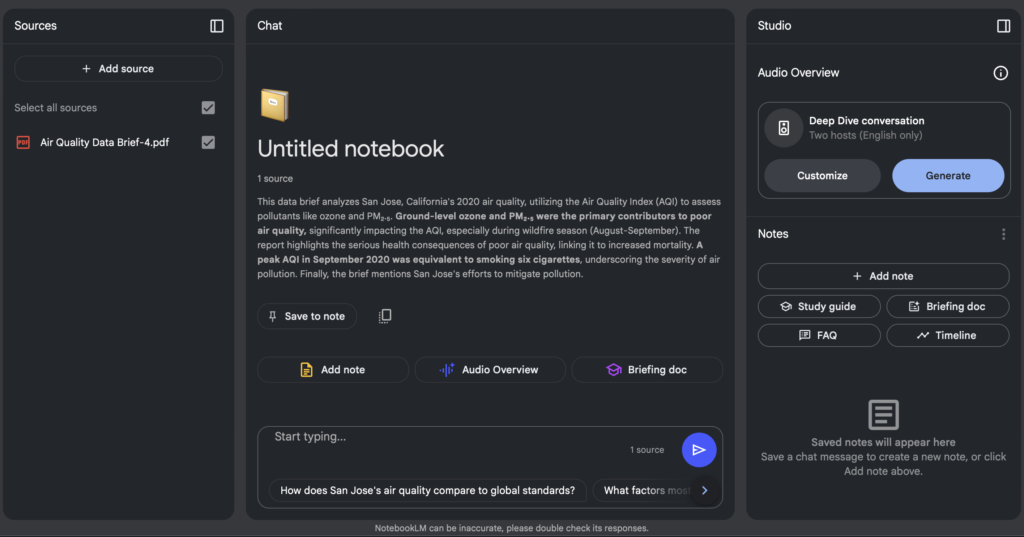
NotebookLM is a Google tool built to help users work with their own notes and sources. Google introduced it in July 2023 and describes it as a source-grounded thinking partner. For education, it is useful for summaries, study guides, note review, and understanding uploaded learning materials like lesson plans, course readings, and lecture notes.
Key Features
- Note-based study support
- Summaries from source material
- Study guides and quizzes
- Source-grounded explanations
Pros and Cons
| Pros | Cons |
|---|---|
| Very helpful for study and revision | Works best when your source material is good |
| Great for summaries and note organization | Some users need time to learn the workflow |
| Useful for both teachers and students | Not a full replacement for deep research |
10. Otter.ai
Launched: 2016
Website: www.otter.ai
Founder / Company: Sam Liang and Yun Fu, Otter.ai
Country: United States
Best For: Teachers and Students
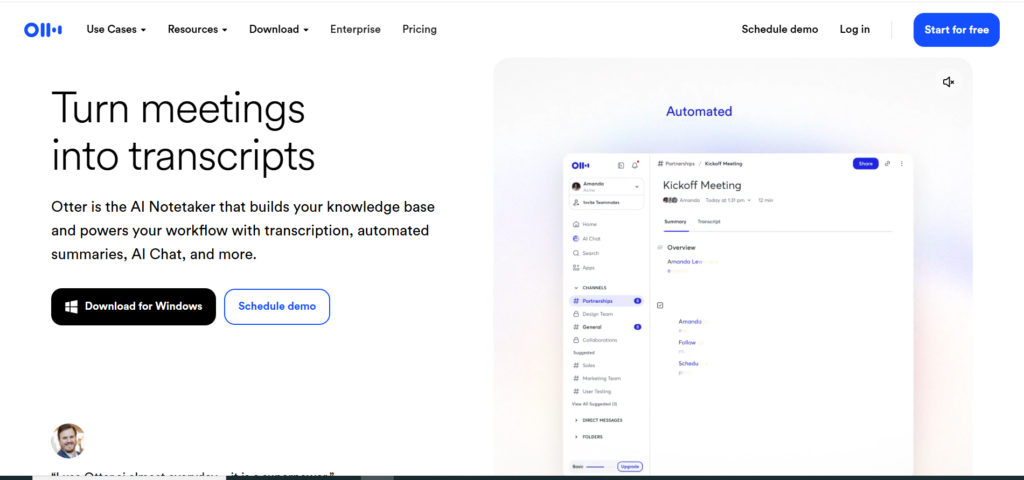
Otter.ai is a speech-to-text platform that helps turn lectures, meetings, and discussions into written notes. Company and third-party profiles identify Sam Liang and Yun Fu as founders and place the company’s start in 2016. For students and teachers, it is useful for lecture capture, review, and saving time during note-taking.
Key Features
- Lecture transcription
- Speech-to-text note-taking
- Meeting and discussion capture
- Searchable written notes
Pros and Cons
| Pros | Cons |
|---|---|
| Great for lecture and meeting notes | Accuracy depends on audio quality |
| Saves note-taking time | Best features may require paid access |
| Helpful for review and recall | Less useful in noisy recordings |
How Teachers Can Use These Tools in Class
Teachers can use these tools to make class work easier, save time, and help students learn better. These tools do not take the place of teachers. They simply help with everyday tasks like making lesson plans, creating quizzes, checking writing, and organizing notes.
1. Make Lesson Plans Faster
Lesson planning can take a lot of time. Tools like MagicSchool AI and Brisk Teaching can help teachers prepare lesson ideas, class questions, and activities more quickly. Teachers can use these ideas as a starting point and then change them to fit their students.
2. Create Quizzes and Class Activities
Teachers can use tools like Quizizz to make quizzes, class games, and practice activities. This makes lessons more fun and helps teachers see what students understand and where they need more help.
3. Make Class Materials More Interesting
Some students learn better when they can see things clearly. Canva for Education helps teachers make slides, worksheets, posters, and other class materials. This can make lessons easier to understand and more interesting for students.
4. Help with Writing and Feedback
Teachers often spend a lot of time checking student work and writing feedback. Tools like Grammarly can help fix grammar, spelling, and sentence mistakes. This helps teachers write clear comments and instructions.
5. Help Students with Research
Teachers can guide students to use tools like Perplexity AI and NotebookLM for school research and study help. These tools can help students find information, understand topics, and organize their notes. Teachers should still remind students to check facts and use trusted sources.
6. Save Important Class Notes
During a long lesson or class talk, students may miss important points. Otter.ai can turn spoken words into written notes. Teachers can use this to save class discussions and share notes with students later.
7. Support Hard Subjects
For subjects like math and science, tools like Wolfram|Alpha can help show how problems are solved step by step. This can help teachers explain hard topics in a clearer way.
8. Give More Personal Help
Not every student learns in the same way. Some tools help teachers make different questions, explanations, and study help for different students. This can help teachers give more support without adding too much extra work.
How Students Benefit from These Tools
Students can use these tools to make studying easier and do better in school. They can help with homework, writing, research, notes, and solving questions. These tools work like study helpers and can make learning less stressful.
1. Understand Hard Topics More Easily
Some lessons are hard to understand the first time. Tools like Khanmigo and Perplexity can explain things in a simpler way. This helps students understand the topic better and learn with more confidence.
2. Write Better School Work
Writing essays, assignments, and reports is not always easy. Tools like Grammarly can help students fix grammar, spelling, and sentence mistakes. This makes their writing clearer and helps them improve step by step.
3. Study Faster with Short Notes
Long chapters and big notes can take a lot of time to read. Tools like NotebookLM can help students find the main points and understand their notes better. This makes studying easier, especially before tests.
4. Get Help with Math and Science
Math and science can be difficult for many students. Tools like Wolfram|Alpha can show how a question is solved step by step. This helps students understand the method, not just the answer.
5. Save Important Class Notes
Students can miss important points during class. Tools like Otter.ai can turn spoken lessons into written notes. This helps students go back later and review what was taught.
6. Practice What They Learn
Practice helps students remember lessons better. Tools like Quizizz give students quizzes and practice questions. This helps them check what they know and find out what they need to study more.
7. Make Better School Projects
Students often need to make slides, posters, or class presentations. Canva for Education helps them create neat and clear school projects. This can make their work look better and easier to understand.
8. Learn at Their Own Speed
Every student learns in a different way. Some need more time, and some like to review lessons again. These tools let students learn at their own speed and go over topics when needed.
9. Save Time While Studying
These tools can save time by helping students organize notes, check writing, and find useful information faster. This gives them more time to focus on learning the subject well.
When students use these tools in the right way, they can study better, stay organized, and feel more confident in class. These tools are best used as helpers, while students still do their own thinking and learning.
Tips for Choosing the Right Education Tool
There are many education tools available today, but not every tool will fit every teacher or student. Before choosing one, it is important to think about what you really need and how the tool will help in learning or teaching.
1. Know Your Main Need
Start by asking what you need the tool for. Some tools help with writing, some help with quizzes, and others help with notes or research. Choosing a tool that solves your main problem will make learning or teaching easier.
2. Check If It Is Easy to Use
A good tool should be simple and easy to understand. If a tool is too confusing, it can waste time instead of helping. Try to choose tools that have a clean design and simple steps.
3. Look for Helpful Features
Different tools offer different features. Some can create quizzes, some can help with writing, and some can organize notes. Make sure the tool has features that match your school or study needs.
4. See If a Free Version Is Available
Many education tools offer a free version. It is a good idea to try the free plan first to see if the tool works well for you. If it helps and you need more features, you can then think about a paid plan.
5. Check If It Works for Your Subject
Some tools are better for certain subjects. For example, Wolfram|Alpha works well for math and science, while Grammarly helps with writing. Choosing the right tool for the subject will make learning easier.
6. Make Sure It Is Safe for Students
When using online tools, safety is important. Teachers and students should choose tools that protect user data and are safe for school use.
7. Read Reviews or Teacher Feedback
Before using a new tool, it is helpful to read what other teachers or students say about it. Reviews can help you understand whether the tool is useful and reliable.
8. Use Tools as Helpers, Not Replacements
Education tools should support learning, not replace it. Students should still think, read, and understand the subject on their own. The best tools are the ones that guide learning instead of doing all the work.
FAQs
AI tools for education are digital tools that help teachers and students with daily learning tasks. They can help with lesson planning, quiz creation, writing, research, note-taking, summaries, and study support. These tools are made to save time and make learning easier.
AI tools help teachers by reducing the time spent on repeated tasks. They can support lesson planning, worksheet creation, quiz generation, classroom feedback, presentation design and content writing. This gives teachers more time to focus on teaching and student support.
AI tools help students understand topics better, improve writing, organize notes, solve problems, and prepare for tests. Some tools are useful for research, while others help with grammar, summaries, lecture notes or subject-specific learning like math and science.
The best AI tool for teachers depends on what they need most. MagicSchool AI and Brisk Teaching are strong choices for lesson support and classroom work. Canva for Education is useful for visual content, while Quizizz is great for quizzes and class activities.
The best AI tool for students depends on their study needs. Khanmigo is useful for guided learning, Grammarly helps with writing, Perplexity AI supports research, Wolfram|Alpha is strong for math, NotebookLM helps with summaries and Otter.ai is useful for lecture notes.
Many education tools offer a free version, but some advanced features are locked behind paid plans. Free versions are often enough for basic use, especially for students and individual teachers. Still, schools and teams may need paid plans for full access.
Yes, students can use AI tools for homework, but they should use them in a smart and honest way. These tools are best for understanding topics, checking writing, creating notes and getting study help. They should support learning, not replace real effort.
No, AI tools cannot replace teachers. Teachers do much more than give information. They guide students, answer questions, manage classrooms, understand student needs and build real learning experiences. AI tools are best used as helpers, not replacements.
Quizizz is one of the best tools for making quizzes and interactive classroom activities. It is popular because it makes learning more engaging and helps teachers check student understanding in a simple way.
Before choosing a tool, look at your main goal first. Check whether the tool is easy to use, fits teacher or student needs, offers a useful free plan and actually solves a real problem. It is also important to review accuracy, privacy and how well it works in daily study or classroom tasks.